NativeAOT and trimming first
Explicit code with no reflection, so NativeAOT publishes it as one native executable that runs with no .NET runtime installed.
 Desktop apps in C#, shipped as one small native file.
A cross-platform, code-first .NET GUI framework. Apps publish as a single native executable of a few megabytes and run with no .NET runtime installed. No XAML, no designer.
MIT licensed. .NET 8.0 / 10.0. Latest release 0.22.1.
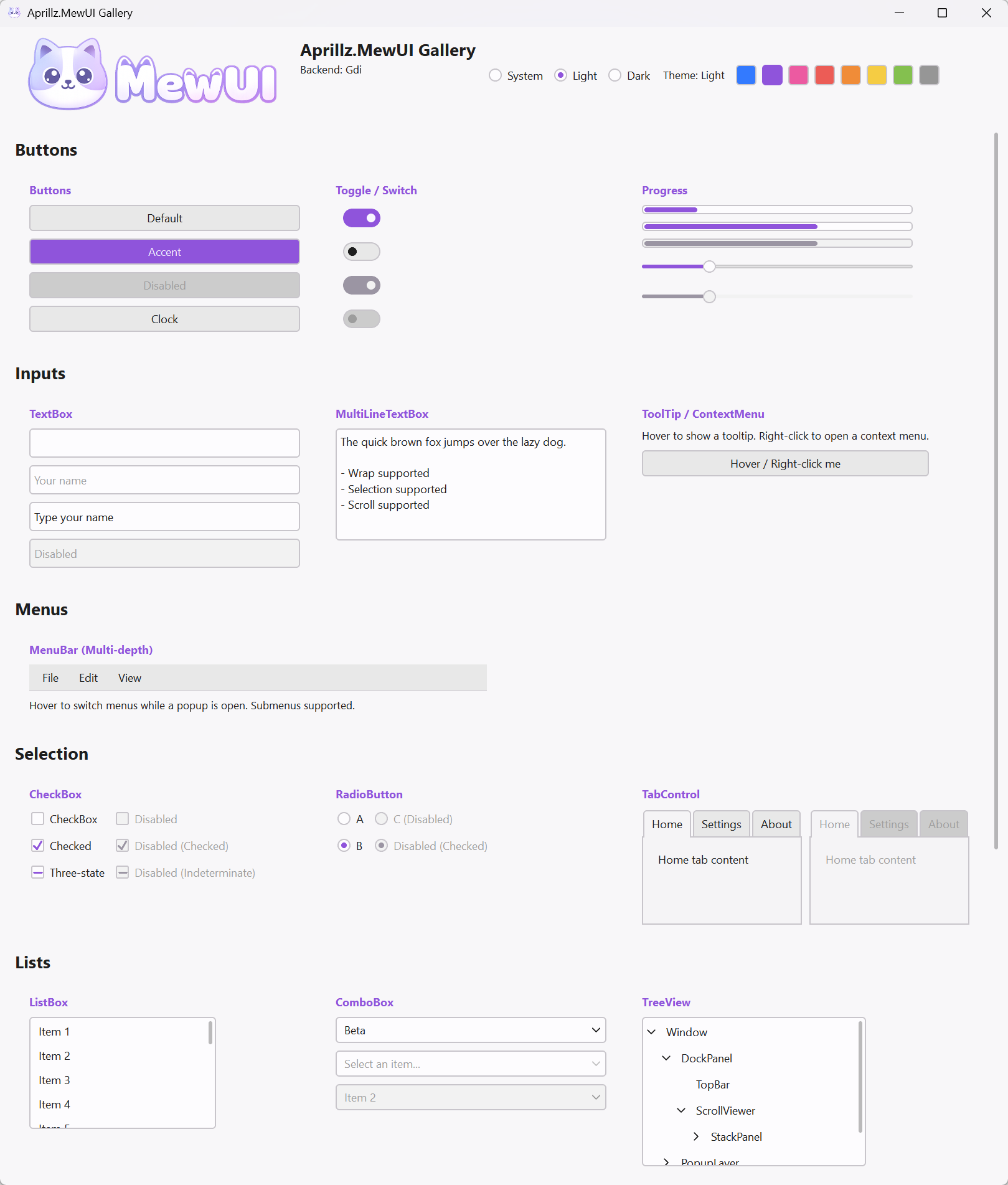
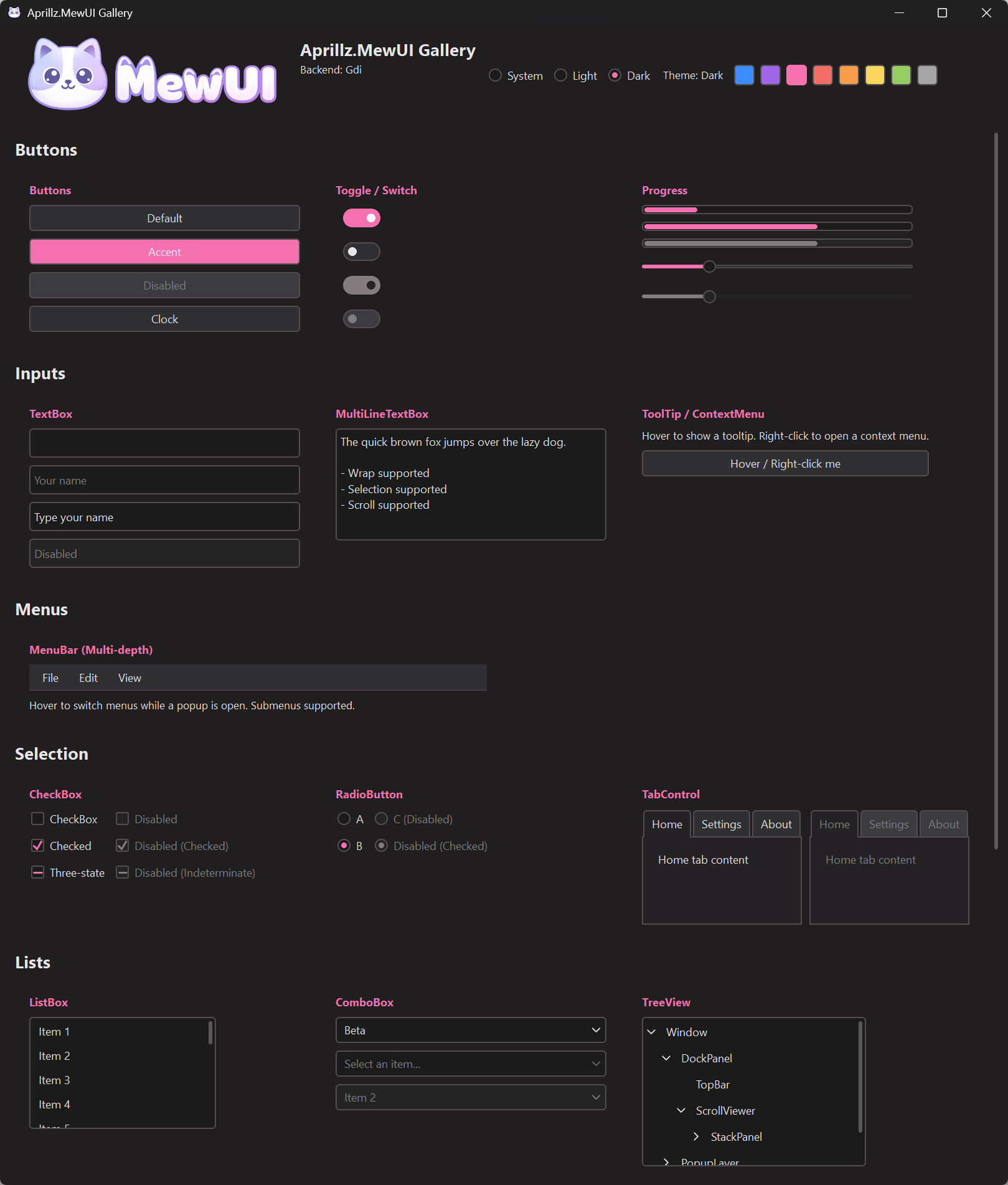 LightDark
Open it in the browser, run one command, or add the package to a project. Ordered by what each one asks of you.
Nothing to install. The Gallery sample is the same code compiled to WebAssembly.
Needs the .NET 10 SDK, nothing else. No clone, no project, no template. This downloads and runs code from GitHub.
curl -sL https://raw.githubusercontent.com/aprillz/MewUI/refs/heads/main/samples/FBASample/fba_gallery.cs -o - | dotnet run -One metapackage brings the core, the platform hosts and the rendering backends.
dotnet add package Aprillz.MewUIThe framework optimizes for one thing: a small, self contained desktop app that starts fast.
Explicit code with no reflection, so NativeAOT publishes it as one native executable that runs with no .NET runtime installed.
An AOT build comes out at 3.44 MB for a Hello World window and 8.02 MB for the full control gallery.
Build the UI tree with a fluent API in plain C#. Analyzers and a formatter help you write it, and the window preview runs in the major IDEs.
Windows, Linux/X11 and macOS desktop hosts, plus a WebAssembly build that runs the same UI in the browser.
The main executable of a NativeAOT publish. The two figures below are macOS arm64 / MewVG.
Hello World
Gallery, the full control showcase
| Platform / backend | Hello World | Gallery |
|---|---|---|
| Windows x64 / GDI | 3.59 MB | 8.74 MB |
| Windows x64 / Direct2D | 3.65 MB | 8.83 MB |
| Windows x64 / MewVG | 3.97 MB | 9.12 MB |
| macOS arm64 / MewVG | 3.44 MB | 8.02 MB |
| Linux x64 / X11 + MewVG | 4.82 MB | 10.02 MB |
Controls are composed with a fluent API. There is no markup file, no designer and no generated partial class behind the window.
var window = new Window()
    .Title("Hello MewUI")
    .Resizable(520, 360)
    .Padding(12)
    .Content(
        new StackPanel()
            .Spacing(8)
            .Children(
                new Label()
                    .Text("Hello, Aprillz.MewUI")
                    .FontSize(18)
                    .Bold(),
                new Button()
                    .Content("Exit")
                    .OnClick(Application.Shutdown)));

Application.Run(window);A source is an observable value, an INotifyPropertyChanged view model, or another element's property, and nested paths work too. Paths are resolved at compile time, so trimming and AOT keep working.
var percent = new ObservableValue<double>(
    initialValue: 0.25,
    coerce: value => Math.Clamp(value, 0, 1));

var slider = new Slider()
    .BindValue(percent);

var label = new Label()
    .BindText(percent, value => $"Percent ({value:P0})");

// Nested path. Rewired when Customer is replaced.
var city = new TextBlock()
.Bind(TextBlock.TextProperty, order, x => x.Customer.City);Code first does not mean flying blind. The preview draws your window in the editor, and the running app takes your edits as you type.
Renders a Window or UserControl in an editor panel without launching the app. Visual Studio, VS Code and Rider. The session builds once, then every save redraws the panel.
Run under dotnet watch and edits reach the running app. MewUI rebuilds only the nodes whose build code changed, and nothing is declared to enable it.
Look into the running app: its visual tree and the properties of any element, in a window beside it. A frame statistics overlay and a profiler timeline come with it.
Roslyn analyzers and refactorings for fluent markup: turn an object initializer into a chain, expand or collapse one, merge statements into it.
MewUI ships an agent skill for Claude Code, Codex and GitHub Copilot. It gives the agent the facts it would otherwise guess, so what it writes compiles.
Which metapackage to reference for a target, and what a working project file looks like.
The fluent surface, so generated code compiles instead of inventing methods.
How to build, publish and check the result on each platform.
Buttons, text input, lists, trees, grids, tabs, menus, toolbars, pickers, navigation, and the panels to lay them out. The Gallery sample exercises all of them, and it runs in the browser with no install.
| Buttons | ButtonToggleButtonRepeatButtonSplitButtonDropDownButton |
|---|---|
| Text | LabelTextBlockTextBoxMultiLineTextBoxPasswordBoxSyntaxViewer |
| Selection | CheckBoxRadioButtonToggleSwitchComboBoxListBox |
| Data | TreeViewGridView |
| Values | SliderProgressBarProgressRingNumericUpDownColorPickerDatePickerCalendar |
| Containers | TabControlGroupBoxExpanderBorderScrollViewerNavigationView |
| Menus and bars | MenuBarContextMenuToolTipToolBar |
| Media | Image |
| App | WindowDispatcherTimer |
| More | SegmentedControlButtonGroupMarkupTextBlockItemsControlProgressIndicatorContentControlUserControlTransitionContentControlPopupSeparatorMessageBoxFileDialog |
| Panels | GridStackPanelDockPanelUniformGridWrapPanelCanvasSplitPanel |
The core stays thin. Larger features ship as separate packages you reference only when you need them.
Visual Studio style docking: document and tool tabs, drag rearranging, splits, auto hide, popouts.
Pure C# SVG parsing and rendering. No System.Drawing, AOT compatible.
SkiaCanvasView for drawing with SkiaSharp, with zero copy GPU interop per backend.
Cartesian, pie and polar charts on the LiveChartsCore engine, without a SkiaSharp dependency.
Win32 WebView2 control. Requires the Microsoft Edge WebView2 runtime.
Windowing runs through a platform host, drawing through a backend. Pick one backend at publish time to trim the rest away.
| Platform | Host | Backends |
|---|---|---|
| Windows 10+ | Win32 | Direct2D, GDI, MewVG |
| Linux | X11 | MewVG (OpenGL) |
| macOS 12+ | AppKit | MewVG (Metal) |
| Browser | WebAssembly | MewVG (WebGL2) |
MewUI is at 0.22.1 and under active development. The public API is still being stabilized, so breaking changes can land between minor releases. Pin your package version and read the release notes before upgrading.
Release notesIn English and Korean.
